
Introduction: Is Manual Accounting Holding Your Business Back?
Imagine starting your morning with a long list of invoices, pending customer payments, expense records, GST-related tasks, and inventory updates. Before you even begin working on business growth, you have already spent hours managing numbers and paperwork.
For many Indian startups, small businesses, accountants, and growing companies, this is a familiar challenge.
The problem is not always a lack of effort. Sometimes, the problem is the system being used.
Traditional spreadsheets and disconnected records can make it difficult to access updated financial information, coordinate with team members, and understand business performance quickly.
What if your accounting information could be accessible whenever you need it, without depending on a single office computer?
That is where Cloud Accounting Software India becomes relevant.
Cloud accounting helps businesses manage financial information through internet-connected software. Depending on the platform, it can support accounting, invoicing, bookkeeping, financial reporting, and other essential business activities.
In this guide, we will explore how cloud accounting works, its key benefits, the features to look for, and how StartupKhata can help simplify everyday business management.
What Is Cloud Accounting Software?
Cloud accounting software is an online solution that allows businesses to record, organise, and review their financial information through a web browser or supported application.
Instead of keeping all accounting work tied to one local computer, cloud-based systems host information on remote infrastructure and provide access to authorised users over the internet.
For example, a business owner can review financial reports while travelling, an accountant can work with records from another location, and an authorised team member can manage invoices without relying on the same office computer.
Access depends on the software's permissions, internet connectivity, and supported features.
A suitable cloud accounting solution can help businesses bring important financial activities into a more organised digital workflow.
Why Is Cloud Accounting Software India Becoming Important for Businesses?
Indian businesses need to manage sales, expenses, payments, financial records, and applicable tax requirements while keeping operations running smoothly.
When these activities are managed through separate files and manual processes, finding the right information can become time-consuming.
Here are five reasons businesses are exploring cloud accounting.
1. Access Business Information More Conveniently
Business decisions do not always happen at the office.
With Cloud-Based Accounting Software, authorised users can access supported accounting information from different locations and devices.
Whether you are reviewing an invoice, checking an expense, or discussing a report with your accountant, remote access can make collaboration more convenient.
2. Reduce Repetitive Administrative Work
Manual data entry and repeated calculations can consume valuable working hours.
Depending on its capabilities, accounting software can automate selected calculations, recurring workflows, invoice creation, and record organisation.
This helps reduce repetitive work and gives business owners more time to focus on customers, operations, and growth.
3. Keep Financial Records Organised
Scattered spreadsheets, paper invoices, and separate expense records can make it difficult to maintain a clear financial picture.
A cloud accounting platform can bring supported financial records into one central system.
Organised records can also make it easier to review transactions, locate information, and prepare documents for accounting or compliance purposes.
4. Improve Collaboration
Business owners, accountants, and authorised employees may need access to the same information.
A cloud platform can help teams work from a shared system instead of exchanging multiple versions of spreadsheets.
User permissions and access controls are important to ensure that team members can access only the information appropriate to their roles.
5. Support Business Growth
As a business expands, the volume of transactions, invoices, expenses, and reporting requirements often increases.
Choosing scalable accounting software can help businesses manage growing workloads without relying entirely on manual processes.
The right solution should match your current needs while supporting the features and capacity you may require in the future.
7 Essential Features to Look for in Online Cloud Accounting Software
Not every accounting platform offers the same tools. Before choosing Online Cloud Accounting Software, evaluate whether its features match your daily business requirements.
1. Accounting and Bookkeeping
Accurate financial records are the foundation of effective business management.
Look for tools that help you organise income, expenses, transactions, ledgers, and other essential accounting information.
Well-maintained records make it easier to review financial activity and prepare useful reports.
2. Smart Invoicing and Billing
Creating invoices should be simple, professional, and consistent.
Choose software that supports convenient invoice creation, suitable templates, tax calculations, and relevant e-invoicing or e-way bill workflows where applicable.
A streamlined invoicing process can help reduce repetitive administrative work and keep sales documentation organised.
3. GST-Related Workflows
GST requirements are an important consideration for many Indian businesses.
Look for features that support relevant GST calculations, invoice records, tax reports, and return-preparation workflows.
Before selecting a platform, verify which GST tasks it supports and whether additional review, integrations, or professional assistance is required.
Software can support compliance workflows, but businesses must still meet their applicable legal obligations.
4. Payment and Collection Tracking
A sale does not automatically mean the payment has reached your bank account.
Payment tracking helps businesses monitor outstanding invoices and identify customers who may require follow-up.
Some platforms also support payment reminders and related automation.
Better visibility into receivables can help business owners manage cash flow more proactively.
5. Inventory Management
Businesses dealing with physical products need to understand stock availability and movement.
Inventory features may help track products, monitor stock levels, and identify low-stock or non-moving items.
When inventory information is connected with relevant business records, it becomes easier to coordinate sales, purchasing, and financial management.
6. Financial Reports and Insights
Business growth requires more than recording transactions. You also need to understand what those transactions mean.
Look for reports that help you review sales, expenses, outstanding payments, and other relevant financial information.
Depending on the software, reports may help you identify patterns, evaluate performance, and make more informed business decisions.
7. Security, Backups, and User Permissions
Financial information is valuable and should be handled carefully.
Before choosing cloud accounting software, review its data-protection practices, backup policies, user-access controls, authentication options, and recovery procedures.
Do not assume that every cloud platform provides identical security features. Choose a solution whose protections meet your business requirements.
Cloud-Based Accounting Software vs Traditional Accounting
How do the two approaches differ?
| FeatureTraditional, Locally Managed AccountingCloud-Based Accounting Software | ||
| Access | Often tied to specific devices or office systems | Remote access may be available through supported devices |
| Collaboration | May require sharing files or local network access | Authorised users can work through a shared platform |
| Updates | May require manual installation or maintenance | Updates may be managed by the provider |
| Data backup | Depends on your backup process and setup | Cloud backup options may be available |
| Scalability | Depends on the system and infrastructure | Can offer flexible plans and capacity |
| Internet requirement | Some systems support offline use | Internet is generally required for cloud access |
The right choice depends on your workflow, budget, security requirements, and need for remote collaboration. Some traditional accounting systems also offer cloud-hosted access, so evaluate the actual product rather than relying on labels alone.
How StartupKhata Can Simplify Business Management
Choosing software should not be about collecting the maximum number of features. It should be about making everyday work more manageable.
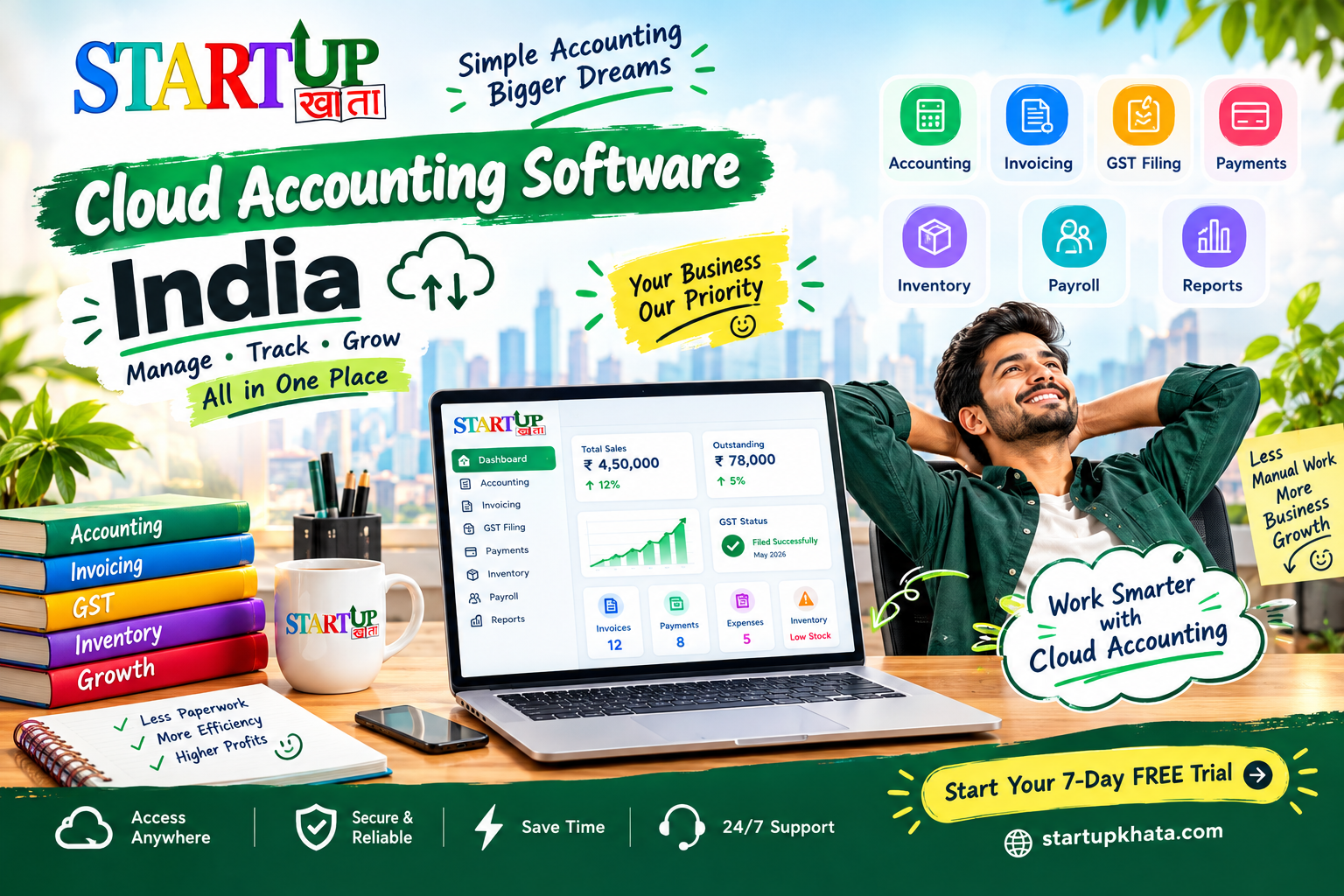
StartupKhata brings essential business management capabilities together to help Indian businesses organise their operations.
Its feature set includes:
- Accounting: Manage accounting activities with auto and manual options.
- Invoicing: Create invoices using multiple templates, with supported e-invoice and e-way bill workflows.
- Bookkeeping: Simplify routine bookkeeping activities.
- GST Filing: Access GST-related tools and workflows.
- Payments: Manage payment-related activities.
- Payroll: Support employee payroll management.
- Inventory: Monitor stock and use smart inventory alerts.
- Reports: Review business information for better operational visibility.
By bringing these capabilities into one platform, StartupKhata aims to reduce the need to manage every activity through disconnected tools.
Whether you are a startup founder, small business owner, or accountant, explore the platform to determine how its features fit your accounting processes and business requirements.
Explore StartupKhata: startupkhata.com
How to Choose the Right Cloud Accounting Software for Your
Business
Before making a decision, ask yourself these five questions:
1. Does it fit my business size?
Choose software that meets your current transaction volume and expected growth.
2. Does it support my accounting workflow?
Check its accounting, invoicing, reporting, and relevant GST-related capabilities.
3. Can my team use it easily?
A clear interface and suitable access permissions can make adoption easier.
4. Is my financial data protected?
Review security, backups, user permissions, and data recovery options.
5. Does it provide value for money?
Compare pricing, included features, user limits, support, and any additional charges.
The best solution is not necessarily the one with the longest feature list. It is the one that solves your actual problems and supports your business as it grows.
Conclusion: Spend Less Time Managing Records and More Time Growing
Business growth should not mean spending every day switching between spreadsheets, invoices, payment records, and inventory files.
The right Cloud Accounting Software India solution can help you organise financial information, streamline repetitive tasks, and make business management more convenient.
By evaluating the features that matter most, you can choose a platform that fits your workflow today and supports your goals for tomorrow.
With StartupKhata, you can explore a more connected approach to accounting, invoicing, GST-related workflows, payments, payroll, inventory, and reporting.
🚀 Ready to Make Your Business Management Smarter?
Stop letting repetitive paperwork take attention away from your business goals.
Start your 7-Day FREE Trial with StartupKhata and explore a smarter way to manage your business!
👉 Get Started Today: BOOK NOW
StartupKhata — Less paperwork. Better visibility. More room to grow.